Access Tokens and Authorization
Using the DynamoGuard API endpoints requires you to provide an access token. Your access token can be found by navigating to the "My Profile" page in your account.
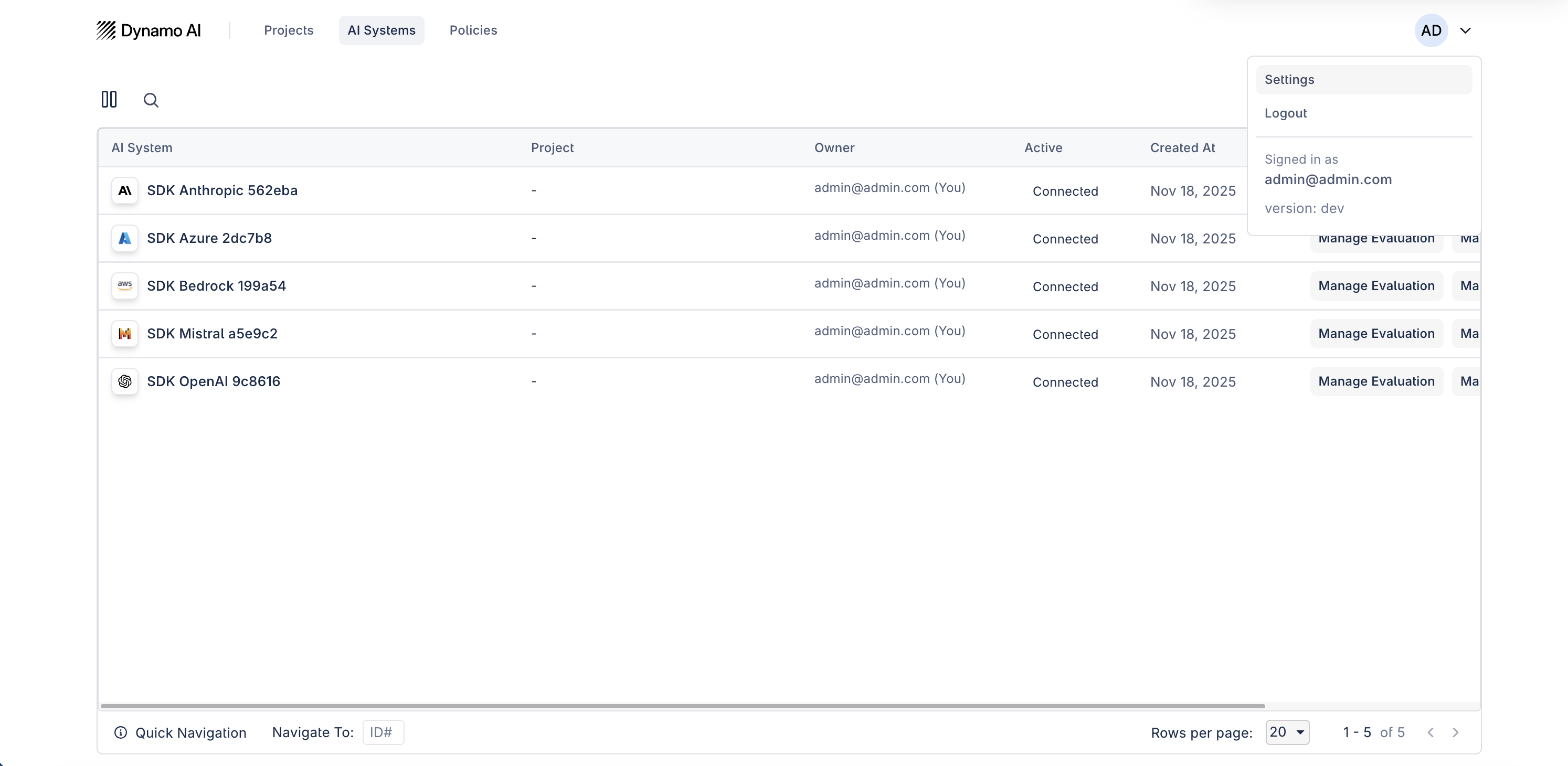
After this, click Generate New Token to create a new credential. This access token should be provided in the header when using the DynamoAI APIs.
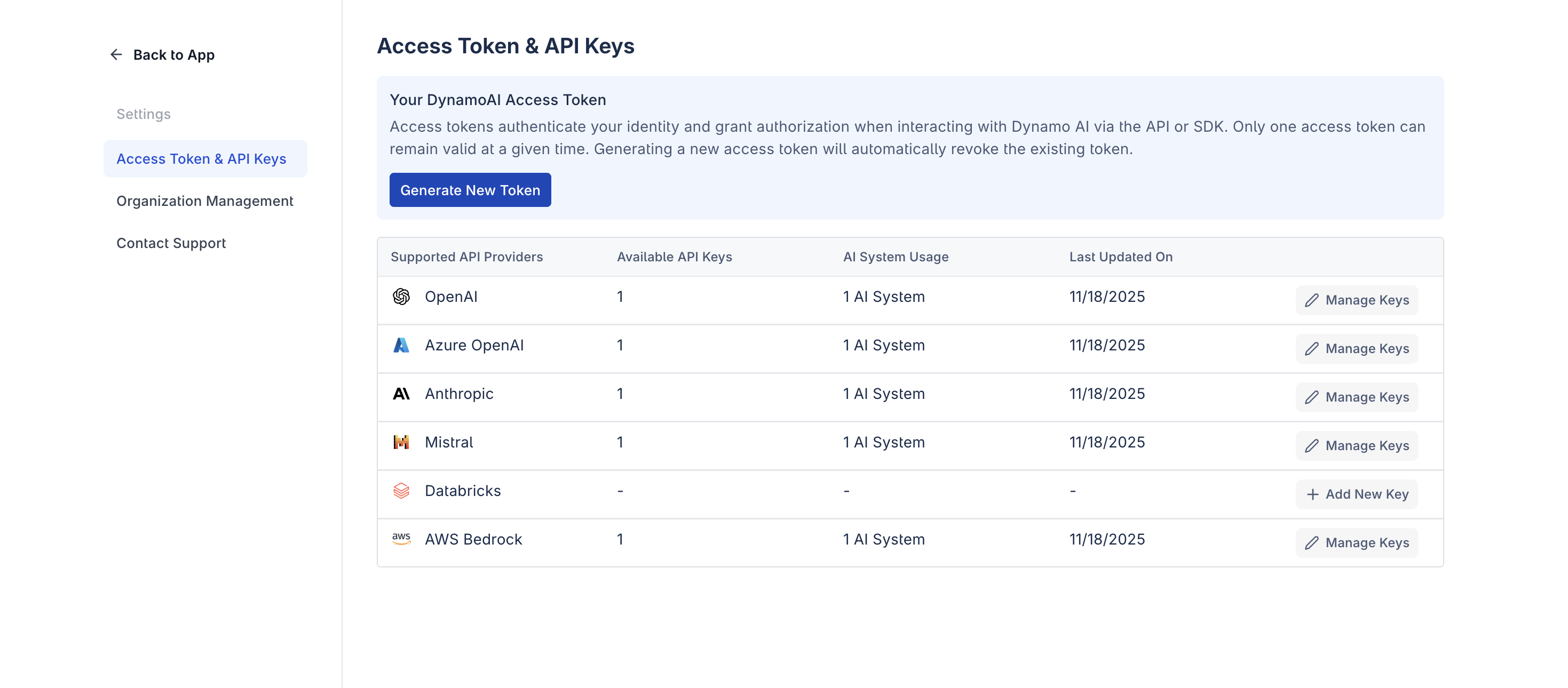
The Settings page in DynamoAI contains the Access Token & API Key Management section, which lets you manage your API keys globally for different LLM/cloud providers. On this page, you can view all your configured API keys, see which and how many API keys you have for each provider, and determine which AI systems (models) are linked to each key.
Supported providers include:
- OpenAI
- Azure OpenAI
- Anthropic
- Mistral
- Databricks
- AWS Bedrock
- Gemini
Here’s what the API Key Management interface looks like:
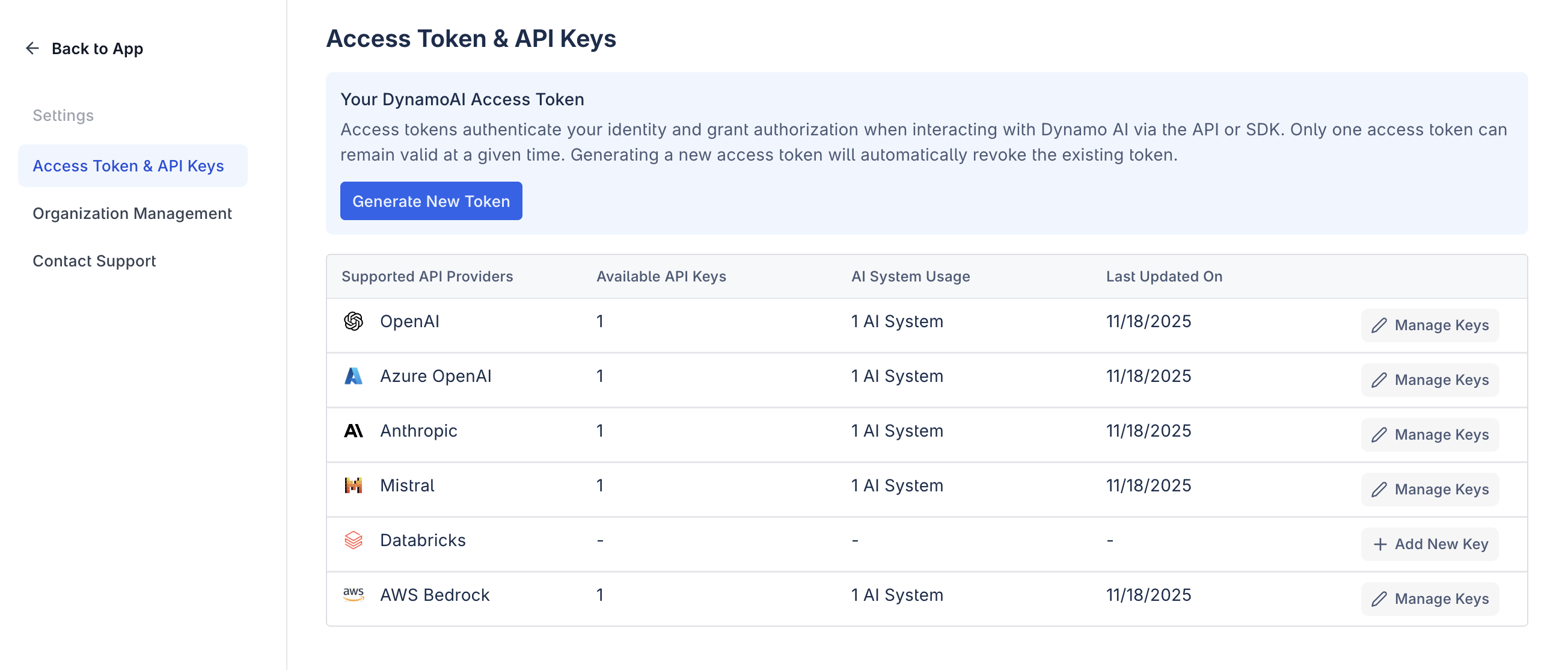
You can manage keys for a specific provider by clicking Manage next to that provider. This lets you add, edit, or view API keys dedicated to that provider.
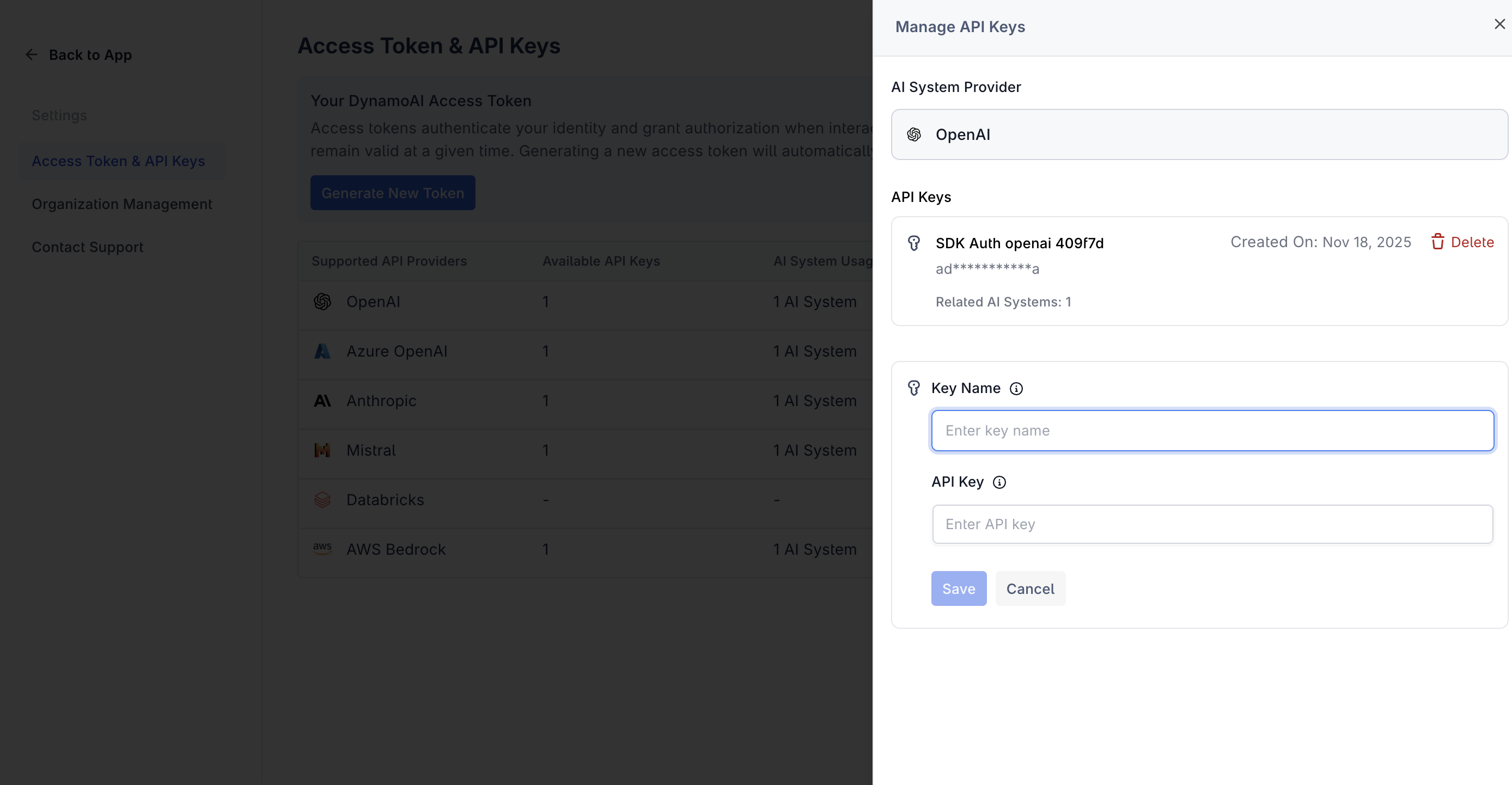
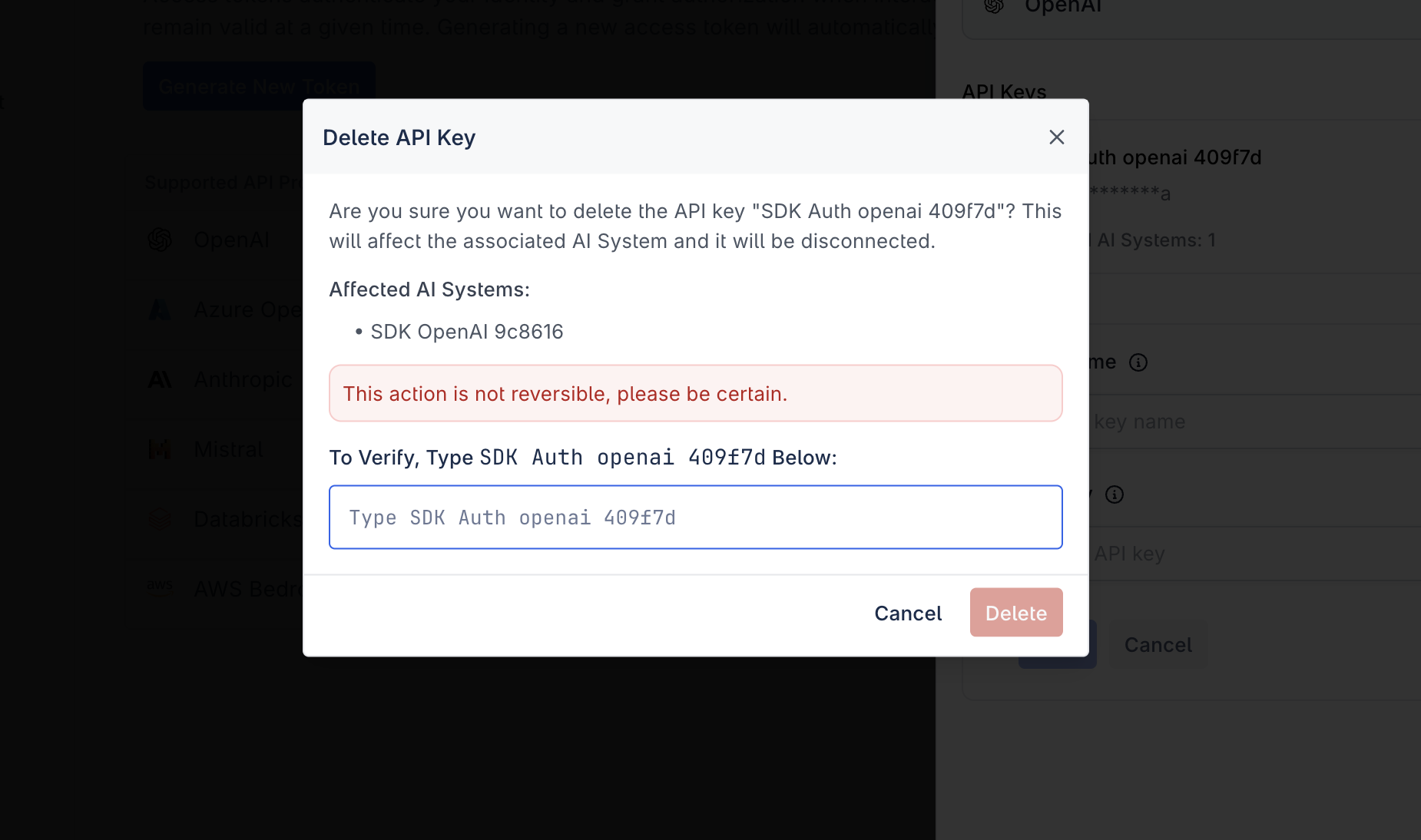
When you choose to delete an API key, the system will display all associated models (AI systems) that are currently using the key. This helps ensure you don’t accidentally break a model integration. Confirm the deletion only if you’re sure you no longer want those models to have API access via that key.