Create a PII Detection Policy
PII Detection policies in DynamoGuard can be used to detect sensitive PII in user-provided inputs or model responses. See the PII Detection page in Key Concepts for more details on the PII Detection policy.
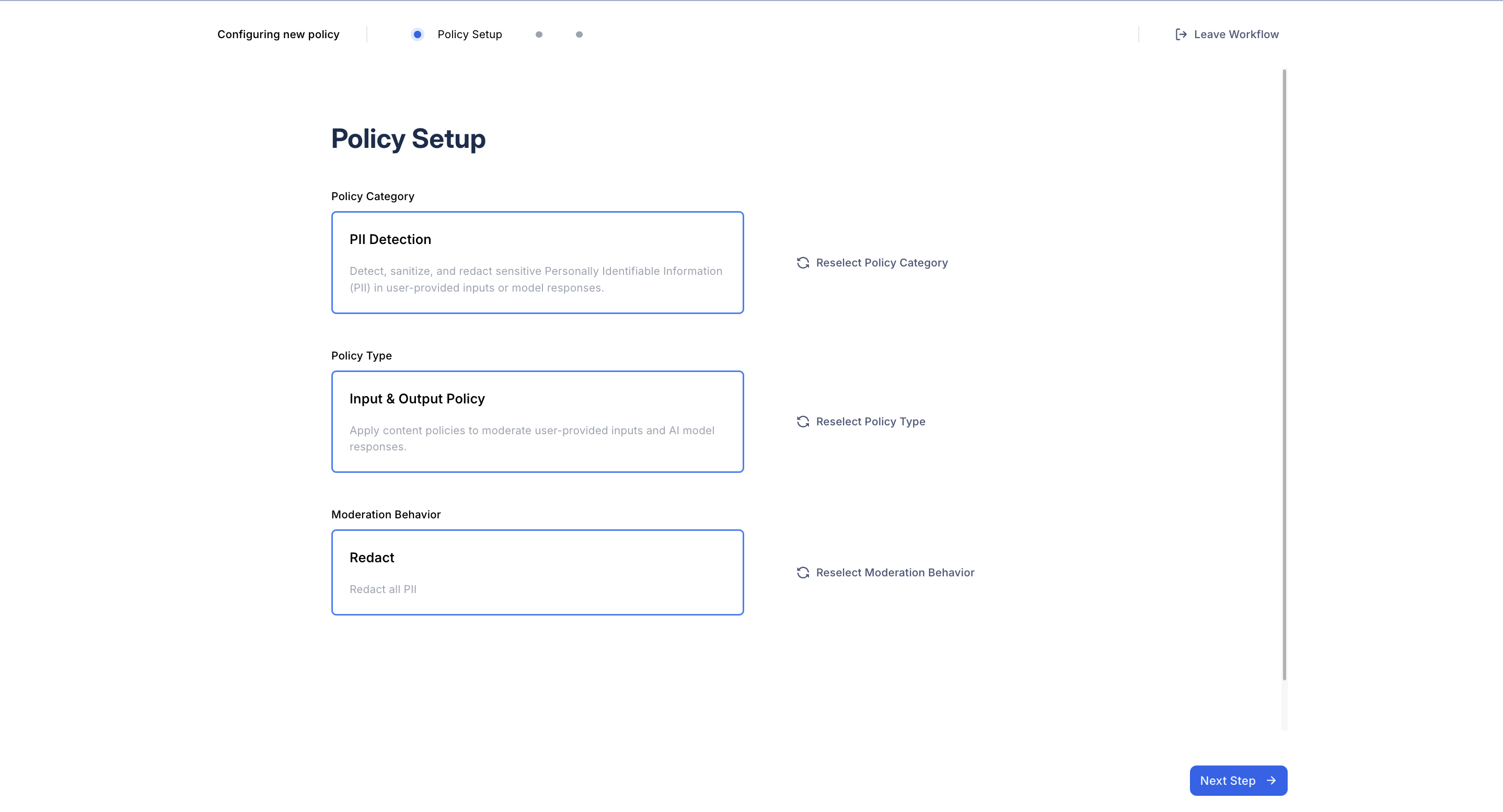
1. Select Policy Type
After selecting the PII Detection policy option, determine whether the policy should be applied to user inputs or model responses. Note: policies with behavior sanitize must be applied to inputs and responses.
2. Select a Moderation Behavior
Choose the moderation behavior for your policy. PII Detection policies support four behaviors:
- Flag: Flag content for moderator review
- Block: Block user inputs or model outputs containing PII
- Redaction: Redact PII before passing user inputs to the model or before displaying outputs to users.
- Sanitize: Anonymize PII before passing user inputs to the model and de-anonymize PII before displaying outputs to users
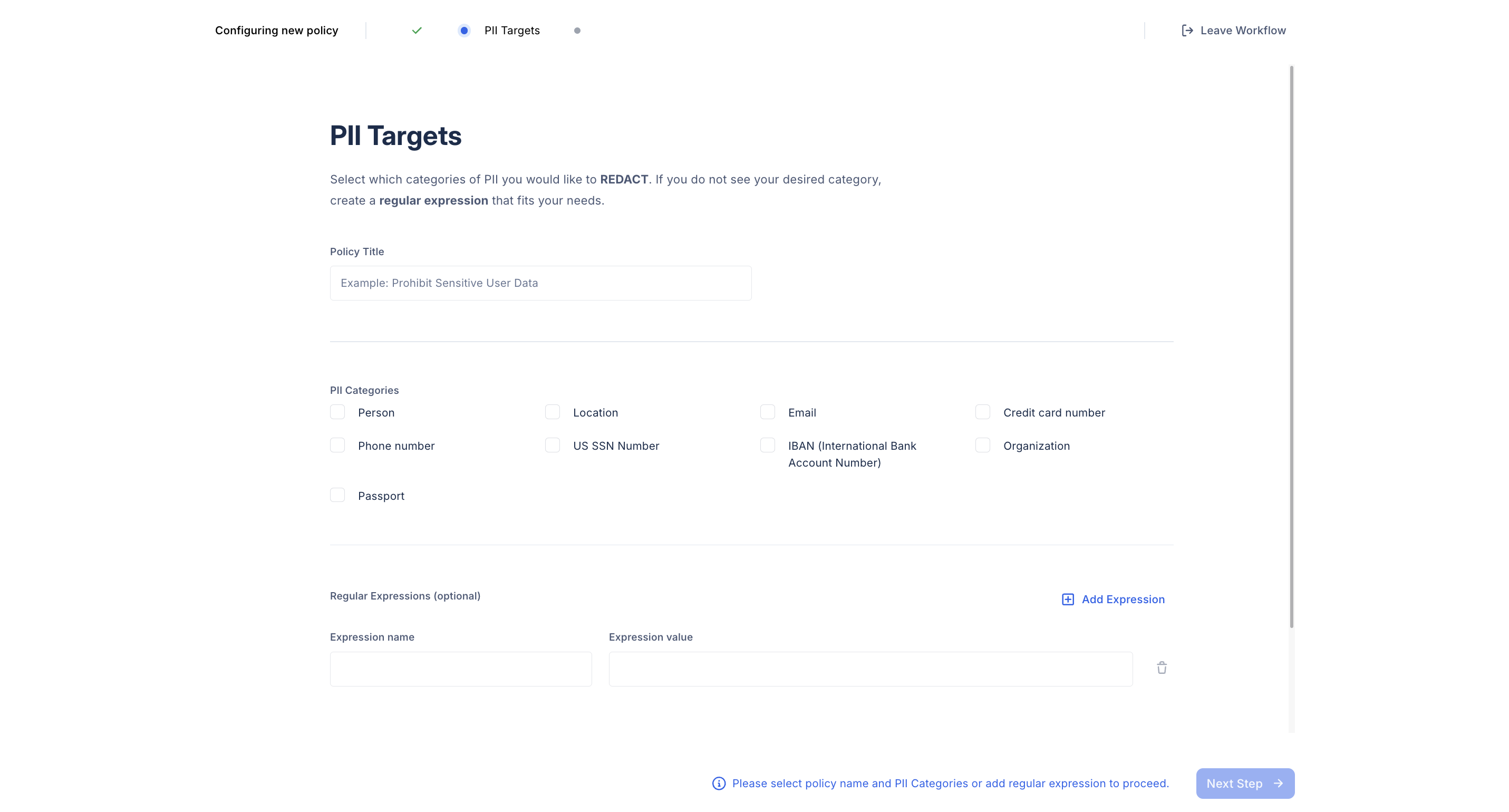
3. Select PII Categories
Provide a policy title and select the PII categories the policy should detect. PII categories can be selected from Dynamo AI’s out-of-the-box supported categories. Additional PII categories can be specified using regular expressions or blocklist entities.
4. Finalize and Create your Policy
Once you’ve completed the setup, click Create Policy. The newly created policy will appear in your Policy Dashboard, where you can manage and track all your policies.